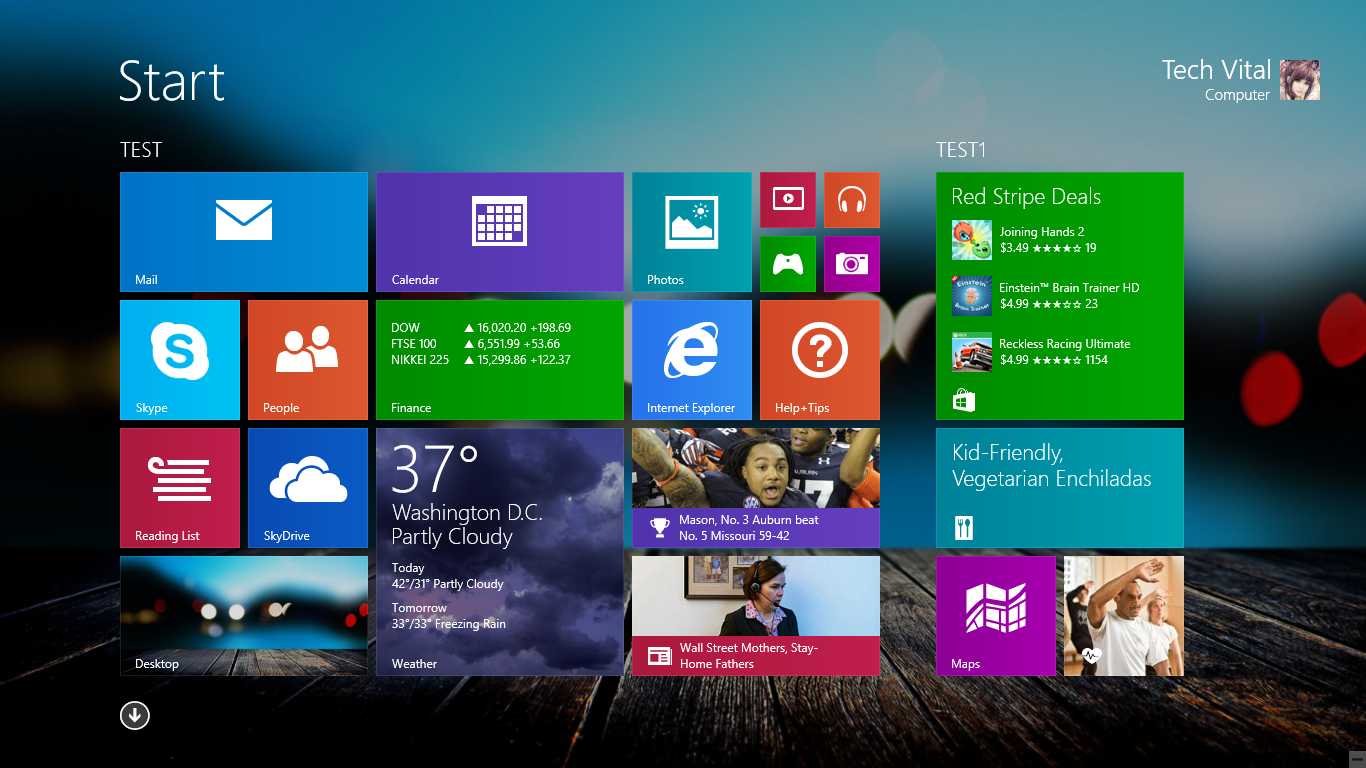
Windows 8 is Microsoft's newer version operating system of Windows which is completely redesigned. It moves away from the traditional interface to a completely new interface known as Metro User Interface. The familiar start menu is now gone. Icons and windows are replaced with live tiles and magazine styled interface. Unlike any previous versions, Windows 8 and its variation RT works across multiple architectures and has been optimized for touch screen. So it will work on Intel based PCs or an ARM based tablet.
Showing posts with label Windows 8. Show all posts
Showing posts with label Windows 8. Show all posts
July 29, 2015

July 28, 2015
How to Make Windows 8 Genuine Using CMD (Command Prompt) Without Downloading any Software
Windows 8 is available for download, complete with a new tiled, touch-friendly interface as well as some enhancements to the traditional mouse-and-keyboard desktop. Here's everything you'll find in the newest version of Windows.
Microsoft's "re-imagining" of Windows is focused very heavily on a new, tiled, touch-centric interface for tablets. However, it's still somewhat usable with a mouse and keyboard-and no matter what device you're on, you can switch between the simple Metro interface and the traditional Windows desktop to fit whatever your needs are at that given moment.
Windows 8 Free Download Full Version With Serial Key | Product Key | Activation Key

With Windows 8, Microsoft is embracing the tablet world. Windows 8 introduces an optimized interface for touch screens with dedicated apps, it runs faster than Windows 7 and offers many new functions. With the help of our numerous tips, you can make the switch right away.
July 27, 2015
How to Reset or Remove or Bypass a Forgotten BIOS Password
A BIOS password is a protection measure that can be used to stop someone powering up a computer system or making changes in some of the computers most sensitive areas. Many big name computer manufacturers such as Dell and HP lock the customers out of this area because they don’t want the customer changing anything and potentially damaging the machine (which the manufacturer may have to warranty). However, when someone like a computer technician or hardware enthusiast needs to make some hardware changes to the computer, they will need to access the BIOS. Here are some methods to be a bios password cracker, removing a BIOS password.
July 26, 2015
How to Find Your Wireless Network (WiFi) Password in Windows 8 and Windows 8.1
This happens to me often, especially when I'm visiting relatives' houses: My computer knows the Wi-Fi password from when I last connected to the network -- two years ago -- but I've completely forgotten it, though my mother is about 65 percent sure she wrote it down on a Post-it note seven months ago.
A forgotten Wi-Fi password isn't a problem for me and my omniscient laptop, but it is a problem for, say, my brother, who needs the password if he wants to jump on the network with his Japanese iPhone. My mom is hunting for the Post-it, but prospects are lookin' bleak.
July 23, 2015
How to Make Bootable USB (Pen Drive) Using Windows 8
To create a bootable USB drive manually, we will use the Command Prompt as a Windows default program. Here are step by step to create a bootable USB drive as the Windows installation media. To create a bootable USB drive as a Windows installation media, we require at least 4 GB for minimum capacity. Larger capacity is better. At this moment, I use the USB flash drive with 2 GB of capacity as just an example. It's due to some reasons that my 4 GB flash drive encountered an unusual problem that i have to fix later.
Click Here For Windows 7 User
July 19, 2015
How to Fixed Your PC ran into a problem and needs to restart We are just collecting some error info, and then we'll restart for you
If you see a message Your PC ran into a problem and needs to restart. We are just collecting some error info, and then we'll restart for you' on a blue screen on your Windows 8.1, Windows 8, Windows Server 2012 computer systems, it is possible that your system may have crashed due to various reasons, like a bad driver, memory issues or corrupted system files.


July 17, 2015
Free Download Kaspersky Internet Security 2015 Full Crack Version

Kaspersky Internet Security is security software for Internet security that protects the most effective and complete protection of a computer from all sorts of electronic threats - malicious programs, hacker attacks and spam. It is published by Kaspersky Lab, to use this software; you should have at least one of the operating system of Windows Vista, Windows 7, and Windows XP. The key features of Kaspersky Internet Security are the following: Complete PC Protection, Kaspersky Urgent Detection System, Kaspersky Security Analyzer, Kaspersky iSwift and iChecker Scanning, Automated Hourly Updating, Kaspersky Virtual Keyboard, Kaspersky Security Network, Kaspersky Whitelisting and Application Control, Kaspersky Anti-Spam and Two-Way Firewall and Parental Controls.
February 11, 2015
How to Reduce Video Size
1. Open Windows Movie Maker. Movie Maker is an application included with Windows for editing and creating videos. It provides a simple way to reduce the file size of any video file.
2. Import your video file into Movie Maker. In the left panel (entitled "Movie Tasks"), look under the "Capture Video" heading for an option that reads, "Import video." Click on this option, and then navigate to the location on your hard drive where the video file is stored. Double-click on the file to open it into Movie Maker.
2. Import your video file into Movie Maker. In the left panel (entitled "Movie Tasks"), look under the "Capture Video" heading for an option that reads, "Import video." Click on this option, and then navigate to the location on your hard drive where the video file is stored. Double-click on the file to open it into Movie Maker.
February 1, 2015
Top 10 Programming Languages 2015

1. Java:
Java is a class-based, object-oriented programming language developed by Sun Microsystems in the 1990s. It's one of the most in-demand programming languages, a standard for enterprise software, web-based content, games and mobile apps, as well as the Android operating system. Java is designed to work across multiple software platforms, meaning a program written on Mac OS X, for example, could also run on Windows.
January 29, 2015
How to Delete/Remove Shortcut Virus on Windows
Go to CMD and type in the commands.
For example, the virus is located in "F" drive, then just type attrib-h-r-s / s / df: \ *. *. The F beside the D is your drive; simply change it to where drive the virus is located.
and Press Enter
For example, the virus is located in "F" drive, then just type attrib-h-r-s / s / df: \ *. *. The F beside the D is your drive; simply change it to where drive the virus is located.
and Press Enter
January 21, 2015
Top Best Free Windows Screen Recorder Software
1. TinyTake:
TinyTake is a free screen capture & video recording software for Microsoft Windows. With TinyTake, you can capture images and videos of your computer screen, add comments and share them with others in minutes. TinyTake is built by MangoApps and is available for free.
TinyTake is a free screen capture & video recording software for Microsoft Windows. With TinyTake, you can capture images and videos of your computer screen, add comments and share them with others in minutes. TinyTake is built by MangoApps and is available for free.
January 20, 2015
How to Make Missing AppData Folder Visible in Windows 8.1
AppData folder is missing in Windows 8.1 and I’ve found a simple method to get it back in your computer’s C or primary drive. Follow my guide to get this AppData folder back.
View AppData Folder in Windows 8.1:
Step 1: First of all open your file explorer, you can open it via button available in the task bar of your Windows 8.1.
View AppData Folder in Windows 8.1:
Step 1: First of all open your file explorer, you can open it via button available in the task bar of your Windows 8.1.
August 4, 2014
How to Update Offline Procedure for Kaspersky 2015
1. After Installation & Activation, inside the Kaspersky DVD,
find “Kaspersky Offline Update …[date]…” folder and Copy it to C:\ drive of your computer

find “Kaspersky Offline Update …[date]…” folder and Copy it to C:\ drive of your computer

Subscribe to:
Posts (Atom)
Earn Money From Home
